
Importance of WordPress Site Optimization

In today’s digital landscape, ensuring your WordPress site performs optimally isn’t just about staying competitive. It is about delivering the best user experience possible. This comprehensive guide covers everything you need to know about optimizing your WordPress site. From understanding the fundamentals to implementing advanced techniques, we’ll explore how to boost speed, enhance SEO, optimize for mobile, compare different optimization methods, address common questions, and provide actionable steps to get started.
WordPress site optimization is crucial for several reasons. It directly impacts your site’s speed, user experience, SEO rankings, and ultimately, your conversion rates. By optimizing your WordPress site, you’re not only making it faster and more efficient but also ensuring it meets the expectations of today’s online audience.
Understanding WordPress Site Optimization
What is WordPress Site Optimization?
WordPress site optimization involves improving various aspects of your website to enhance performance, usability, and search engine visibility.
Why It Matters?
Optimization matters because it directly impacts user satisfaction, SEO rankings, and overall business success. A fast-loading, well-optimized site attracts more visitors and encourages them to stay longer, engage more deeply, and convert into customers.
Benefits of Optimizing Your WordPress Site
Improved Site Speed and Performance
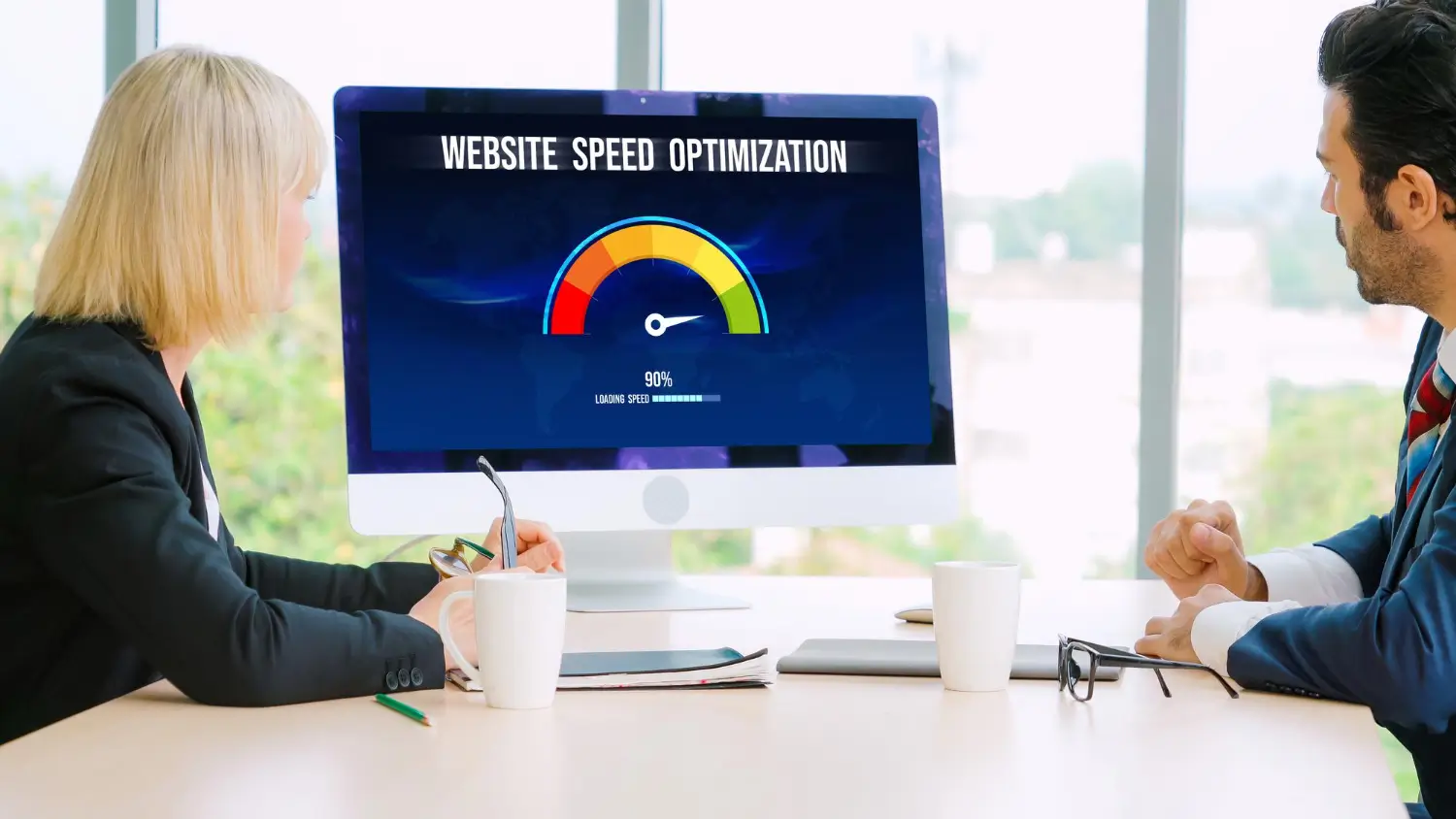
A faster website leads to lower bounce rates, higher engagement, and better user experience. Tools like Google PageSpeed Insights can help measure and improve speed.
Enhanced User Experience
Optimized sites are easier to navigate, reducing user frustration and increasing satisfaction. This positive experience encourages repeat visits and improves brand perception.
Better SEO Rankings
Optimized sites rank higher in search engine results, driving more organic traffic. Effective SEO practices like keyword optimization and content structure play a crucial role here.
Increased Conversions and Sales
Faster load times and improved user experience translate into higher conversion rates and increased sales. Every second counts when it comes to retaining visitors and converting them into paying customers.

Key Aspects of WordPress Site Optimization
Website Speed and Performance
Why Speed Matters
Site speed impacts user experience and SEO rankings. A slow site frustrates visitors and leads to higher bounce rates.
Tools to Measure Site Speed
Tips to Improve Speed
- Caching: Utilize caching plugins like W3 Total Cache to reduce server load and speed up page delivery.
- Image Optimization: Compress images without compromising quality using plugins like Smush.
- Minification of CSS and JS: Reduce file sizes by minifying CSS and JavaScript files.
- Use of Content Delivery Networks (CDNs): Distribute content across servers globally to improve load times for visitors worldwide.
SEO Optimization
Importance of SEO for WordPress Sites
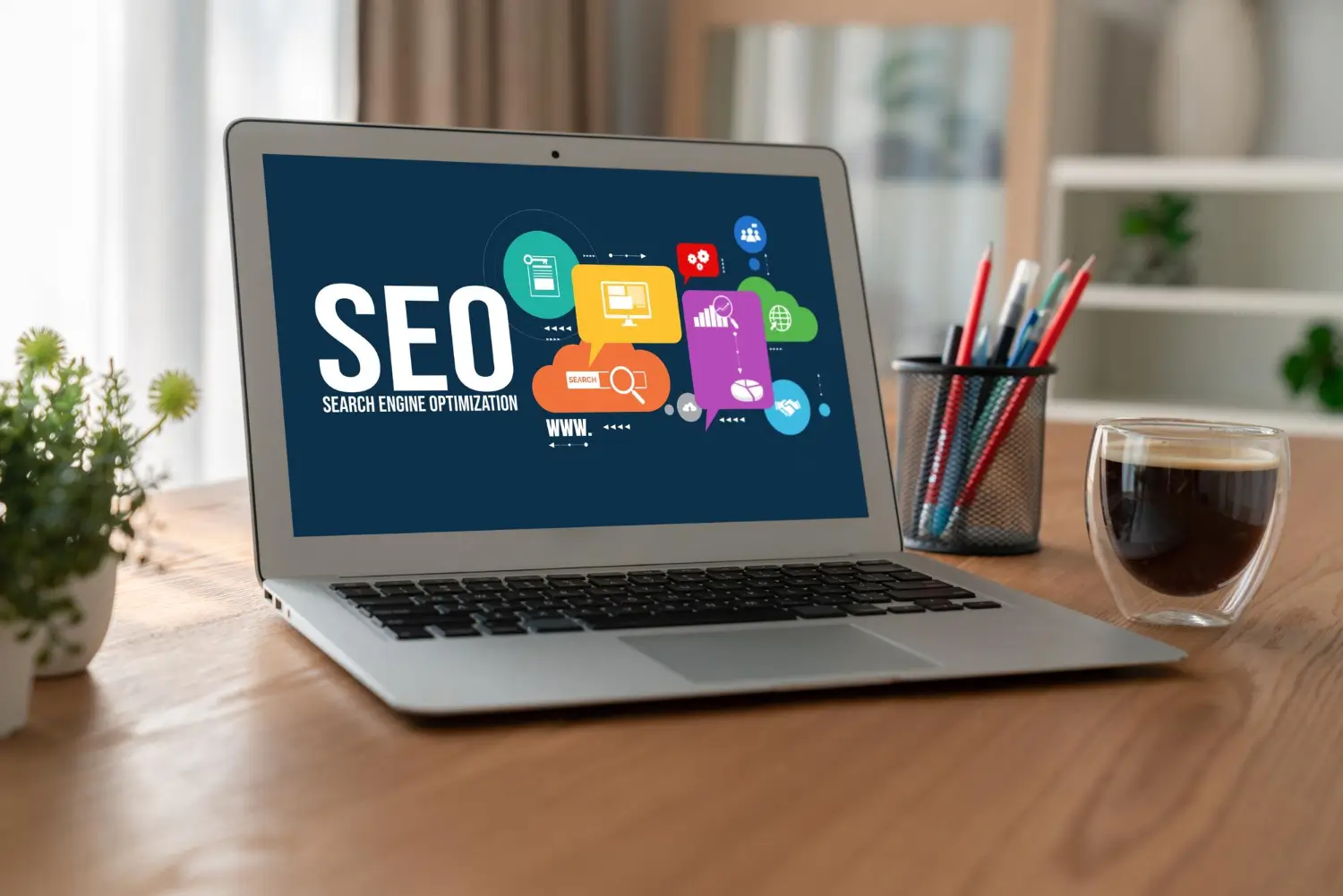
SEO ensures your site ranks well in search engines, driving organic traffic and increasing visibility.
On-Page SEO Techniques
- Title Tags: Optimize titles with relevant keywords to improve click-through rates.
- Meta Descriptions: Write compelling meta descriptions that encourage clicks from search engine results pages.
- Header Tags: Use headers (H1, H2, etc.) to structure content and improve readability.
- Internal Linking: Link the related pages within your site to improve navigation and SEO.
Off-Page SEO Techniques
- Backlinks: Earn quality backlinks from reputable sites to boost authority and rankings.
- Social Sharing: Encourage social sharing to increase visibility and drive traffic.
SEO Plugins for WordPress
- Yoast SEO: Helps optimize content for SEO with features like readability analysis and XML sitemaps.
- All in One SEO Pack: Provides comprehensive SEO tools including XML sitemaps and social meta integration.
Mobile Optimization

Importance of Mobile-Friendly Sites
Mobile optimization ensures your site looks and performs well on smartphones and tablets, catering to a growing mobile audience.
How to Make Your WordPress Site Mobile-Friendly
- Responsive Themes: Use responsive themes that adapt to different screen sizes.
- Mobile Plugins: Install plugins like WPtouch to create a mobile-friendly version of your site.
Ready to enhance your WordPress site’s speed and SEO? Our experts specialize in optimizing sites for better performance and user experience. Contact us today for tailored solutions that boost conversions and site rankings!

Ignite Your Digital Presence
Comparing WordPress Optimization Techniques
Manual Optimization
Manual optimization involves tweaking and fine-tuning various aspects of your site directly through coding or server configurations. Here’s a closer look at its advantages and disadvantages.
Advantages
- Full Control: You have complete control over every optimization aspect, from code minification to server settings.
- Customization: Tailor optimizations to perfectly fit your site’s unique needs and infrastructure.
- Learning Opportunity: Provides a deeper understanding of website performance and optimization techniques.
Disadvantages
- Technical Expertise Required: Requires a good understanding of web development, server management, and performance optimization techniques.
- Time-Consuming: Manual optimization can be labor-intensive, especially for complex websites or large projects.
Using Plugins
Plugins offer a convenient way to optimize your WordPress site without delving into technical complexities. Here are the benefits and drawbacks of relying on plugins.
Advantages
- Simplicity: Plugins simplify the optimization process with user-friendly interfaces and automated functionalities.
- Time-Saving: Quick to install and configure, saving time compared to manual methods.
- Updates and Support: Plugin developers often provide updates and support, ensuring compatibility with the latest WordPress versions.
Disadvantages
- Site Overhead: Plugins can add to your site’s overhead, affecting performance if not chosen wisely.
- Dependency: Relying on plugins means your site’s optimization is tied to their maintenance and updates.
- Compatibility Issues: Some plugins may conflict with others or with your theme, causing unexpected issues.
Considering manual tweaks or plugins for your site? Let us guide you. Our team offers expertise in WordPress optimization to meet your goals efficiently. Contact us now to explore how we can optimize your site effectively!
FAQs
Optimize regularly, especially after updates or changes to content and plugins.
Optimization focuses on performance improvements and should not significantly alter design elements.
Plugins like WP Rocket and W3 Total Cache are highly recommended for speeding up WordPress sites.
While DIY optimization is possible, professionals can provide expertise and ensure comprehensive optimization.
Conclusion
In conclusion, optimizing your WordPress site is essential for achieving better performance, improving user experience, and increasing visibility in search engines. By implementing the strategies and techniques outlined in this guide, you can ensure your site not only meets but exceeds user expectations. Continuous optimization is key to staying competitive in the ever-evolving digital landscape. Ready to take your WordPress site to the next level? Contact us now for expert optimization services!
Empower your business with our bespoke WordPress web design solutions. Elevate your brand’s digital presence, seamlessly blending functionality and aesthetics for unparalleled online success.